AI Photo Retouching Tools
Fix the photo you already have: restore it, sharpen it, cut out the subject or change one thing by asking for it.
7 tools, 7 with a real sample
All 7 tools in Photo Retouching
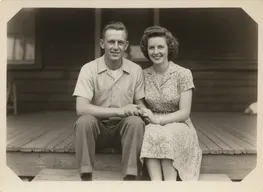 Sample start photo
Image Upscaler
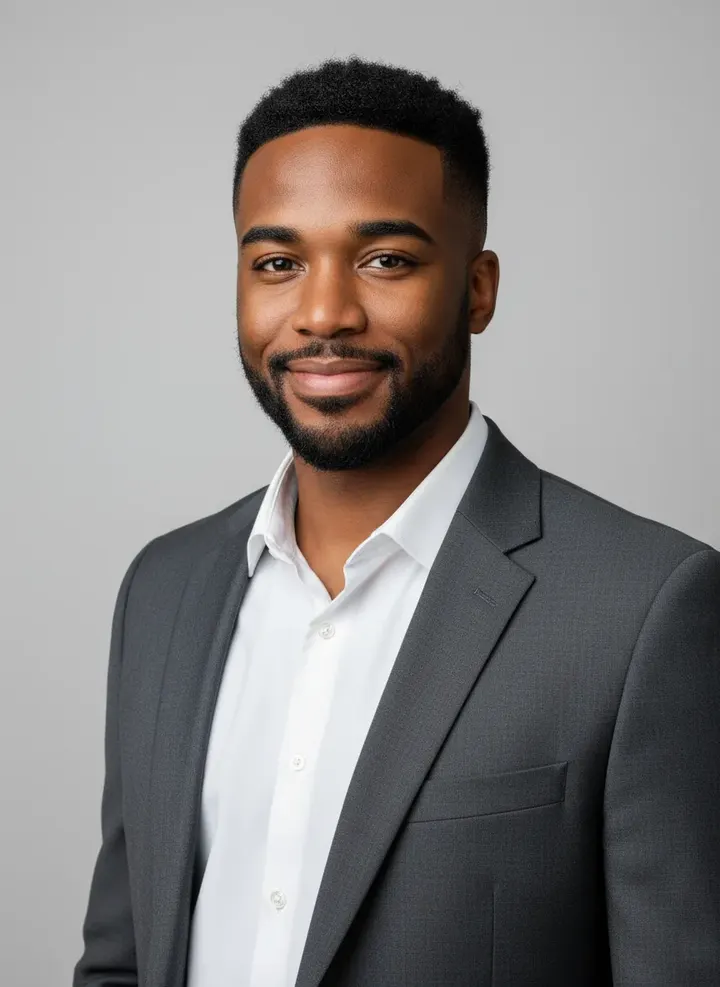
Upscale photoshoot results and low-resolution photos with added detail. Sharper faces, cleaner edges, bigger files for print. Upload and go.
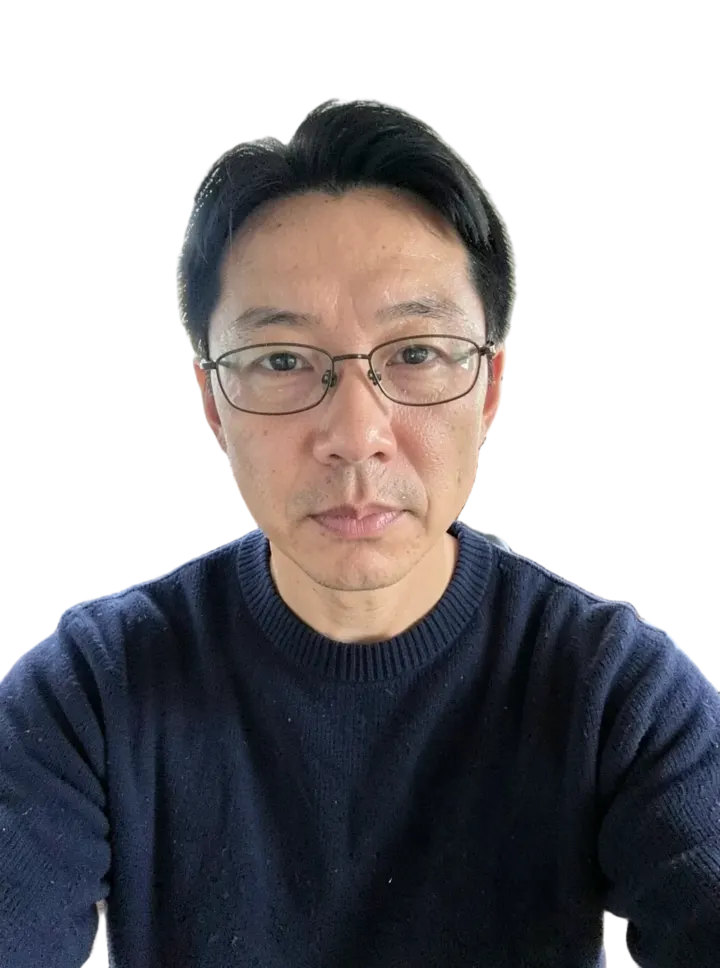
 Sample start photo
Background Remover
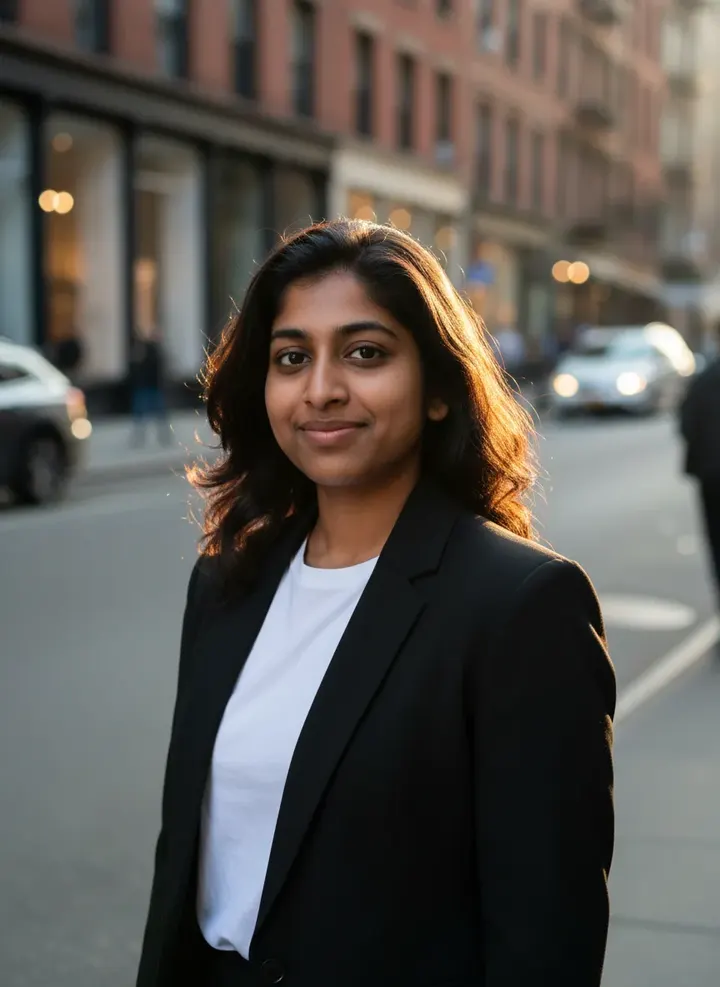
Remove the background from any photo and get a transparent PNG with clean hair and edges. Products, people, pets and logos.
![Object Remover sample made with FLUX.1 Kontext [pro]](/showcase/object-removed.thumb.webp)
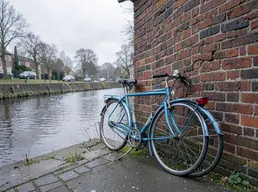 Sample start photo
Object Remover
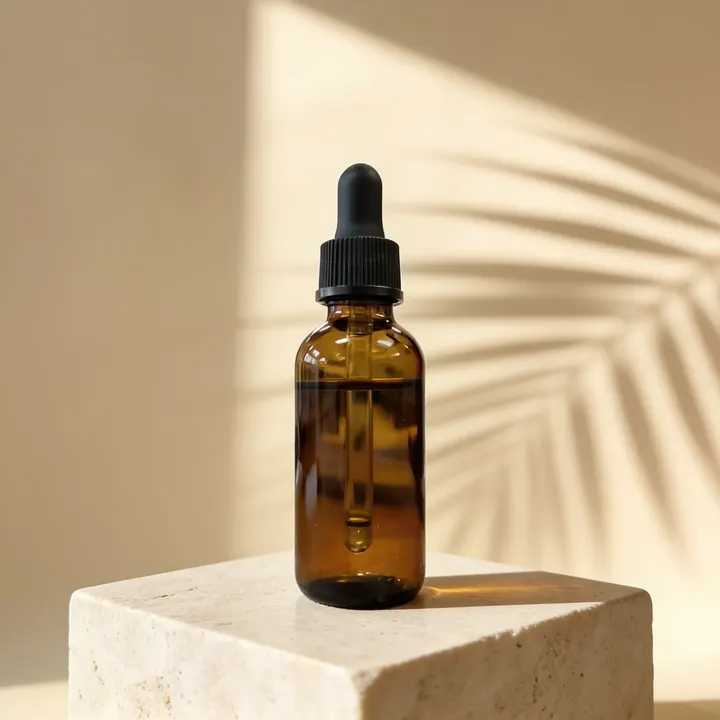
Remove unwanted people, objects, text or wires from a photo by describing them. The rest of the image stays untouched.
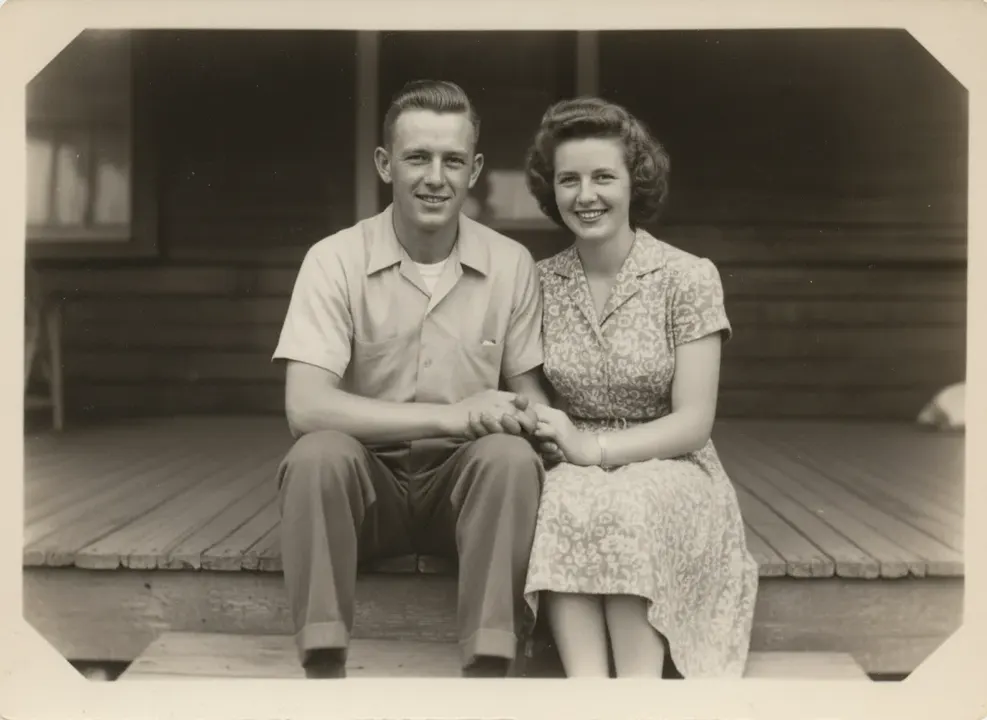
 Sample start photo
Photo Restorer
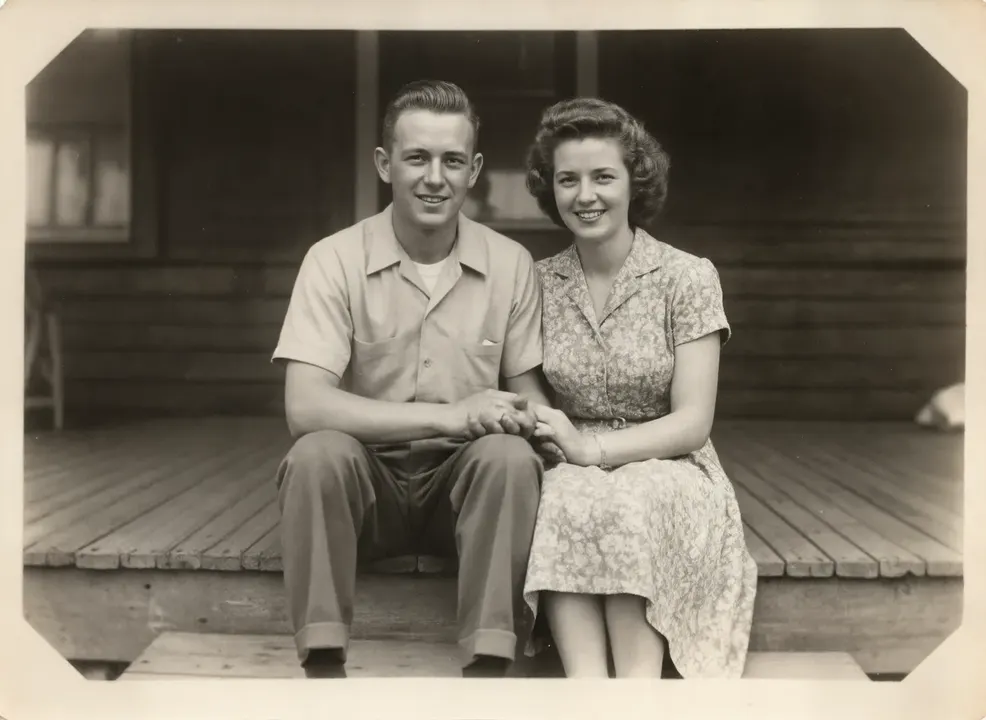
Restore old family photos: remove scratches, tears and fading, sharpen faces and optionally add color. Keeps the people as they were.
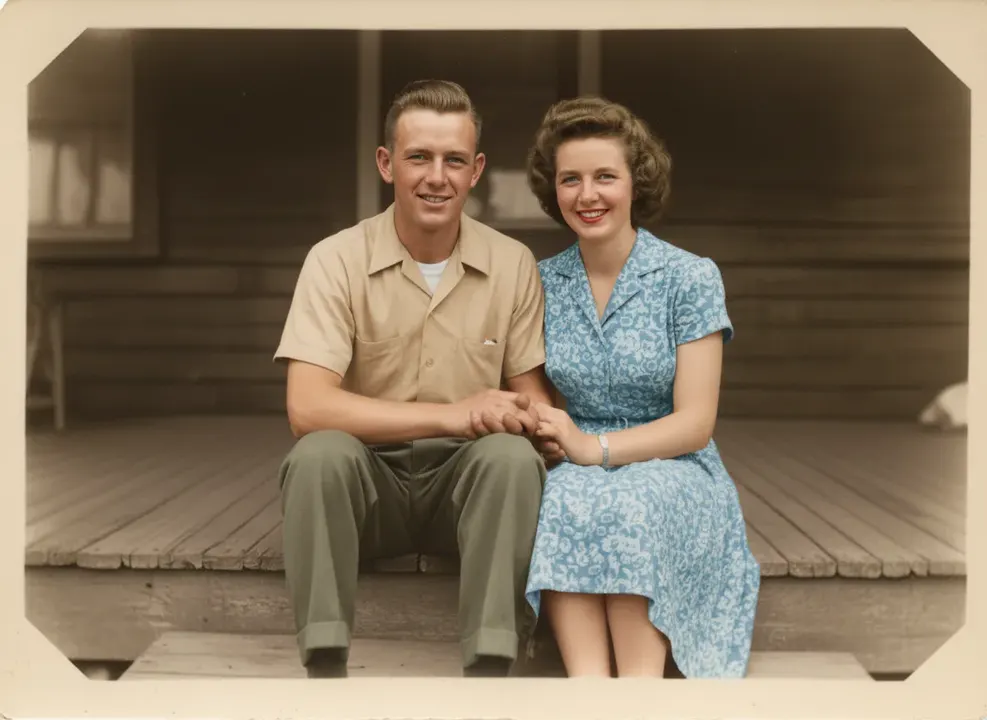 Sample start photo
Image Colorizer
Colorize black and white photos with natural, period-accurate colors. Skin tones, clothing and skies that look real, not tinted.
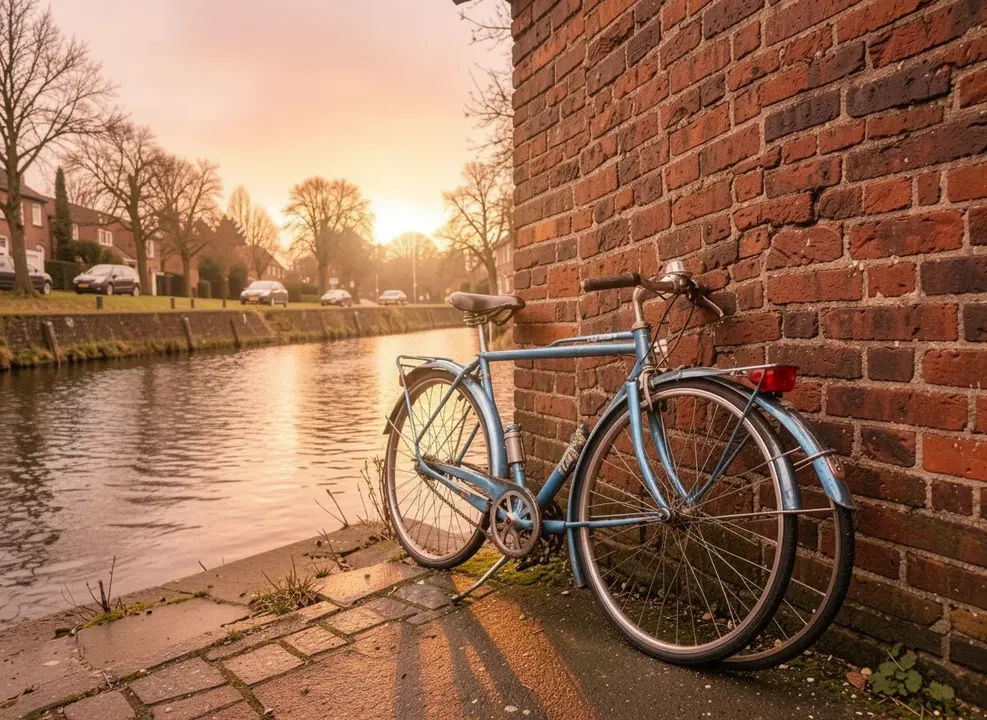 Sample start photo
AI Photo Editor
Retouch any photo with words: change clothes, fix lighting, swap seasons or adjust one detail of a photoshoot result. Nano Banana, GPT Image 2, FLUX Kontext.
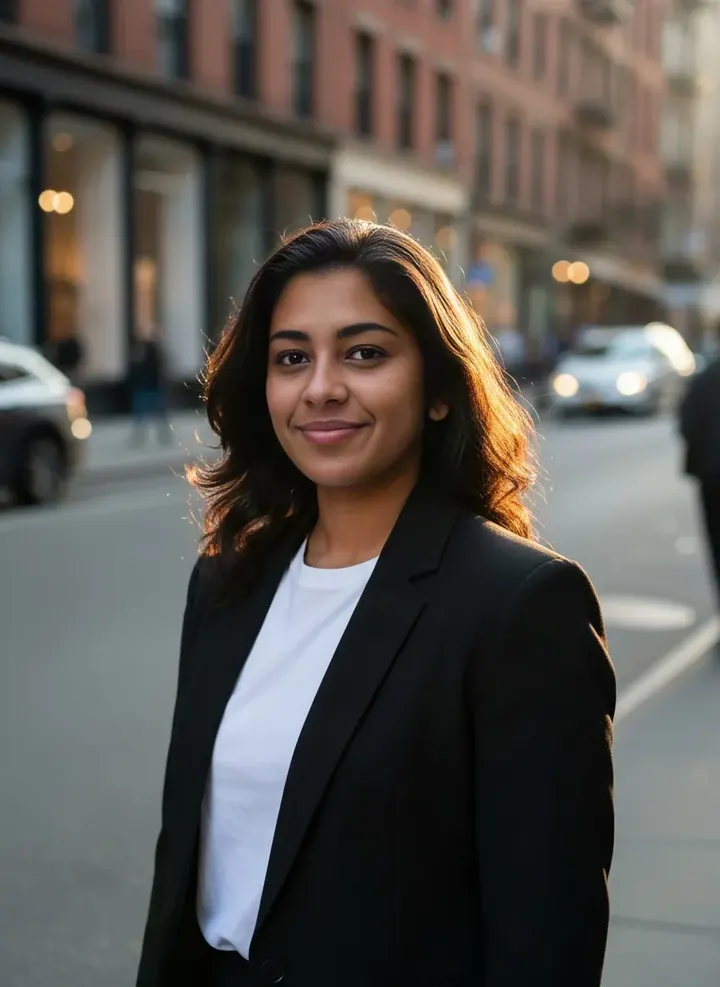
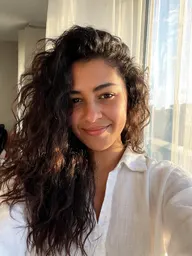 Sample start photo
AI Face Swap
Put a face from one photo into another photo with matching light and skin tone. Photo face swap online, for your own photos and friends who agree.