Retouch any photo with words: change clothes, fix lighting, swap seasons or adjust one detail of a photoshoot result. Nano Banana, GPT Image 2, FLUX Kontext.
Photo to edit0/3
Your results appear here
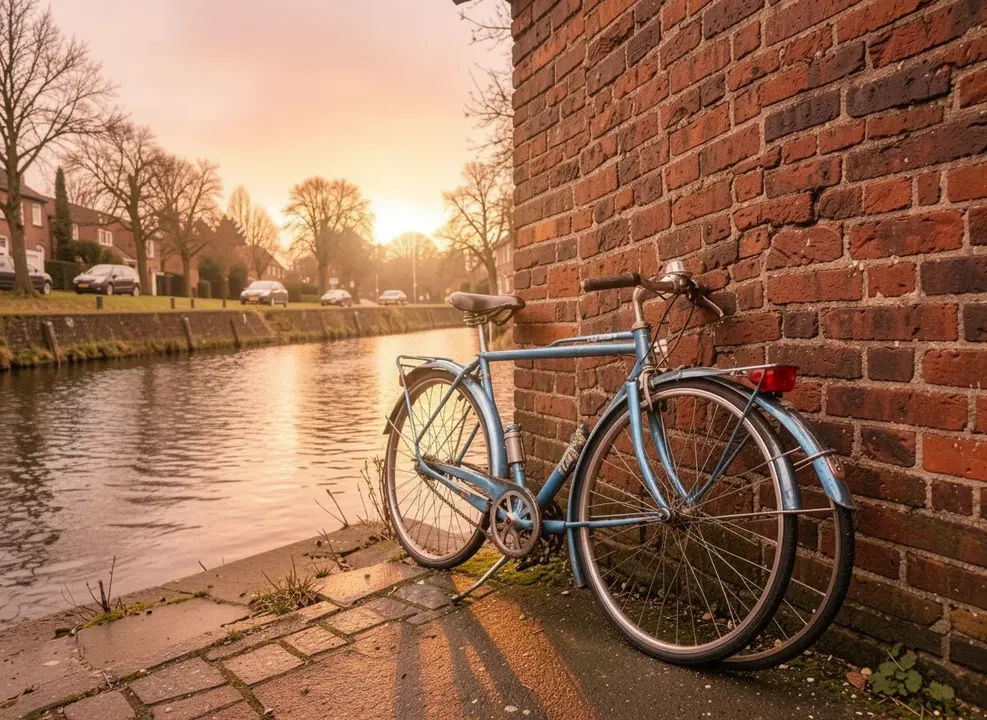
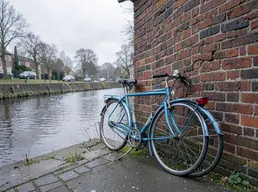
Until you press Generate, this is a sample the tool made.
Sample start photoSample made with Nano Banana, 60 credits
Describe the edit instead of doing it by hand. Change an outfit, the weather, the time of day or one detail in a photoshoot result you almost love. Nano Banana keeps faces and details stable, and FLUX Kontext is good at small, precise changes.
How it works
Upload a photo
Describe the change
Generate and keep editing the result
Tips for better results
One change per step gives the most control.
Say what to keep: 'keep the face and pose the same'.
Add extra images as references, for example a jacket you want him to wear.
What people make with it
Quick fixes and retouching
Fixing one detail in a photoshoot result
Outfit and product swaps
Creative restyling
Questions
How much does it cost?
Each generation uses credits from your plan. The exact number shows on the Generate button before you spend anything, and failed generations are refunded automatically. New accounts get free credits to try it.
What happens to my photos?
Uploads are stored privately in your account and are only sent to the model that runs your job. Nothing is shared to the public gallery unless you choose to share it.