AI Photoshoot

An AI photo shoot from 1 to 4 selfies: studio, street, beach, editorial, home and rooftop looks in one run, priced before you start. Free credits, no card.

Your photos0/3

1 to 4 clear photos of the same person. Face visible, good light, no sunglasses.

6 looks × 60 credits360 credits

Any look that fails is refunded.

Your shoot: 6 looks

Every look runs from the same photos and model. Tap a look to make just that one.

Examples

Real results from AI Photoshoot, each labelled with the model and credits it used.

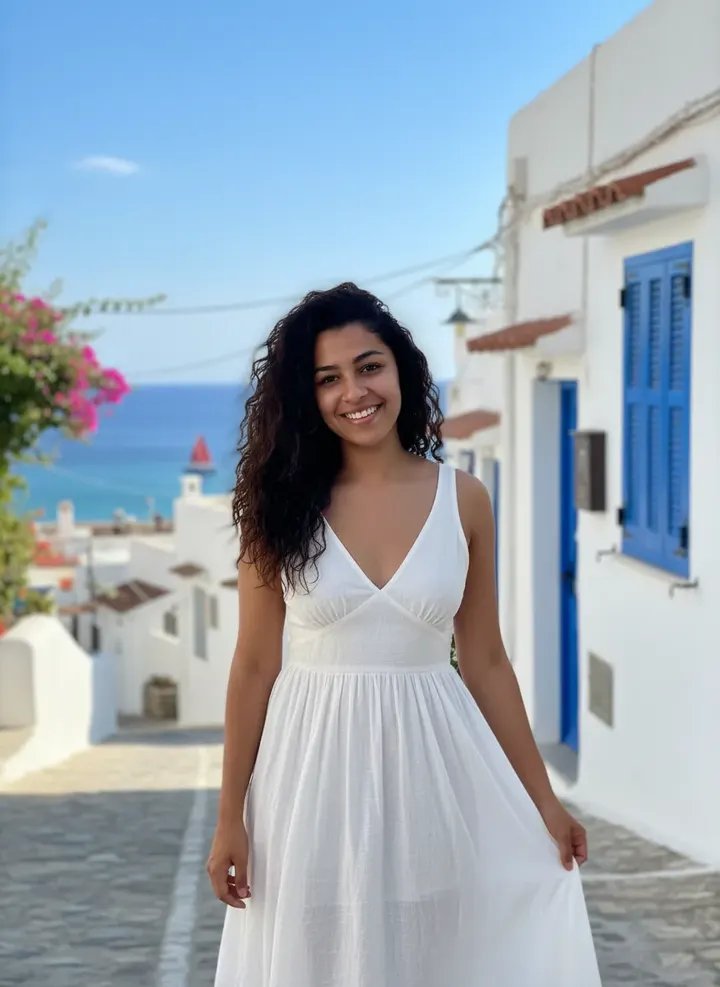
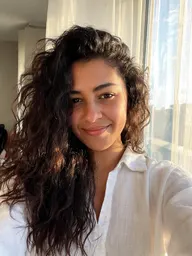
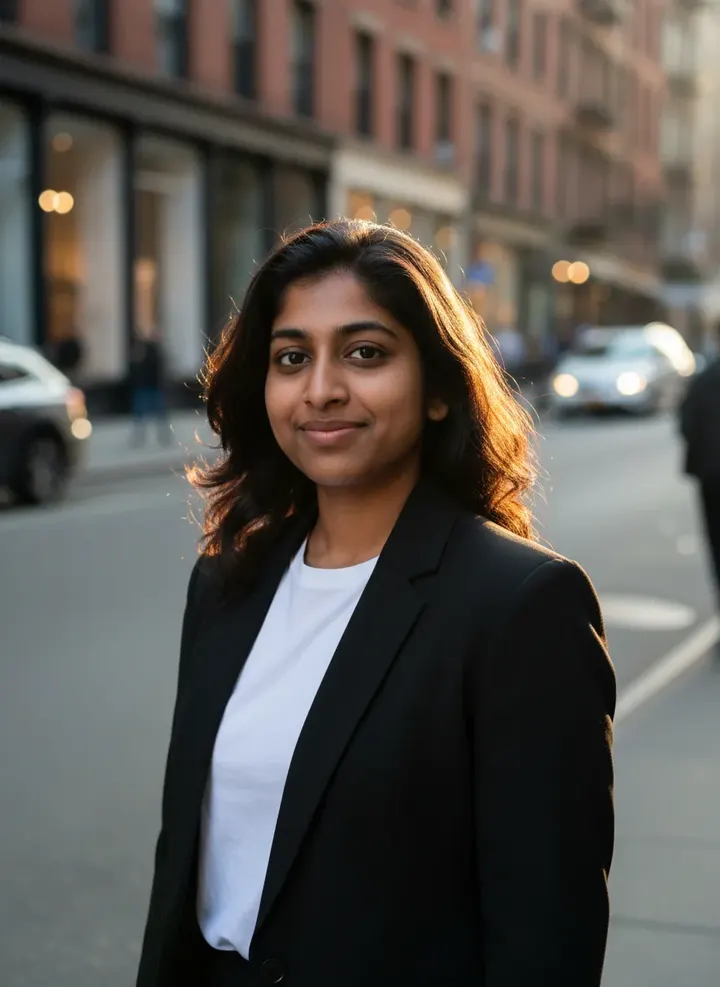
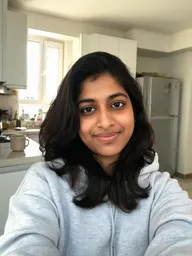
AI Photoshoot sample made with Nano BananaGenerated sample photo the tool started fromSample start photo
Sample made with Nano Banana, 60 credits
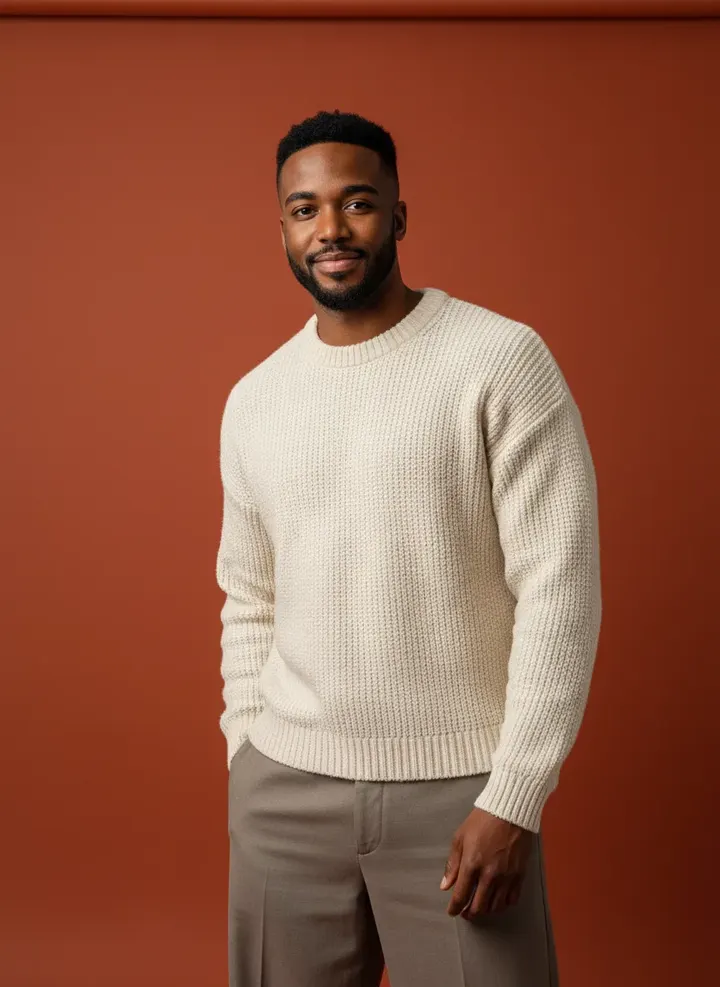
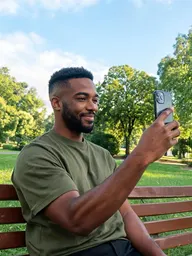
AI Photoshoot sample made with Nano BananaGenerated sample photo the tool started fromSample start photo
Sample made with Nano Banana, 60 credits
AI Photoshoot sample made with Nano BananaGenerated sample photo the tool started fromSample start photo
Sample made with Nano Banana, 60 credits

A photoshoot used to mean booking a photographer, a studio and a free afternoon. Here it takes a few selfies. Each look on this page is a setting, an outfit and a light, and the Full shoot runs all six in one click, so you get a real set: studio, street, beach, editorial, home and rooftop, with your face kept intact in every frame.

What an AI photoshoot is

An AI photoshoot is a set of photos of you made by an image model from your own selfies instead of a camera session: the model keeps your face and changes the setting, the outfit and the light. Nothing is trained on your face first, so the first photos arrive in minutes, and every look in the set comes from the same reference photos so they read as one session.

How it works

  1. Upload one to four clear photos of yourself
  2. Pick a single look, or choose Full shoot to run all six
  3. Review the set and download the shots you like

The step-by-step guide to a full AI photoshoot covers which selfies to pick, when to fill the outfit field, and how to test one look before you pay for six.

When an AI photo shoot is the right call

| Situation | AI photoshoot | Book a photographer | | --- | --- | --- | | New profile pictures for several sites | Yes: six looks in one run, priced before you start | Worth it if you also want prints | | Trying looks before a real session | Yes: preview settings and outfit colors | Book once you know what you want | | A wedding, a newborn, a family reunion | No: you want a record of the day | Yes | | An official ID, passport or school portrait | No: these need a real photo | Yes, or the official photo service | | Social posts in places you have not been | Yes, as long as you do not present them as a real trip | Not practical |

Tips for better results

  • Use photos with even light and your whole face visible. Sunglasses and heavy filters make identity harder to keep.
  • The outfit field overrides the outfit in every look. Leave it empty to get six different outfits.
  • Run the same look on two models. Nano Banana keeps faces tight, Seedream adds more cinematic color.
  • Portrait 3:4 suits profile photos. Switch to 9:16 for stories and reels covers.

What people make with it

  • Profile pictures and social avatars
  • Personal brand shoots for creators
  • A week of feed posts from one session
  • Testing looks before a real shoot

Questions

Is this an AI photoshoot app or a website?

It runs in your browser on phone or desktop, so there is nothing to install. The studio works the same on mobile.

What is a Full shoot?

A photoshoot is a set, not one picture. Full shoot runs all six looks on this page in one click with the same photos and model, shows the total price before you start, and groups the results as one shoot in your account.

How many photos should I upload?

One clear selfie works. Two to four photos from different angles give the model more to work with and keep your likeness closer.

Which model is best for an AI photoshoot?

Nano Banana is the default because it keeps faces consistent. Nano Banana Pro is sharper, and Seedream 5.0 Lite adds more cinematic color. You can switch models without changing your settings.

What happens to my photos?

Uploads are stored privately in your account and are only sent to the model that runs your job. Nothing is shared to the public gallery unless you choose to share it.

How much does it cost?

Each image uses credits from your plan. The exact number shows on the Generate button before you spend anything. A Full shoot costs the per-image price times the number of looks, and any look that fails is refunded on its own. New accounts get free credits to try it.

Guides for AI Photoshoot