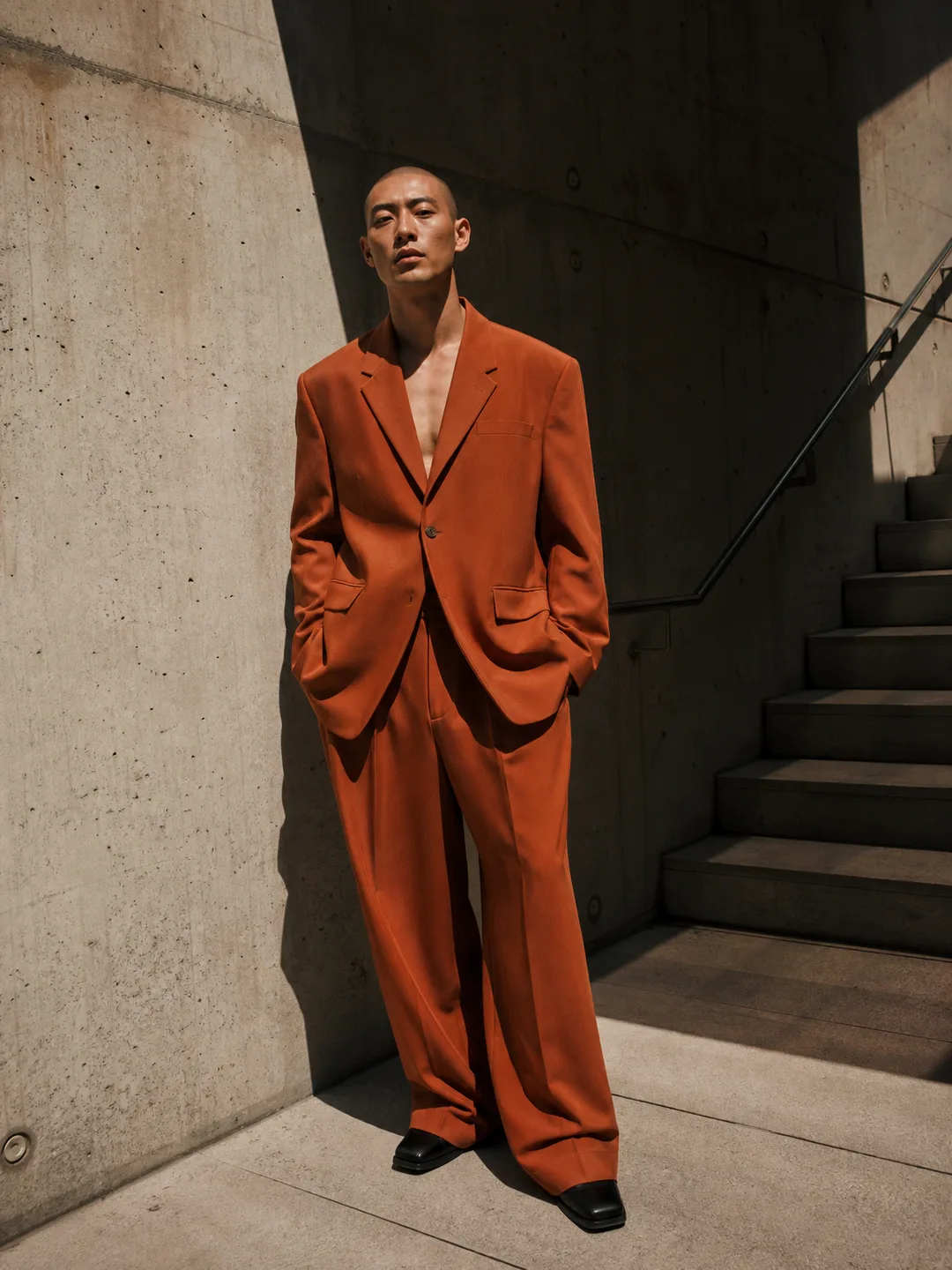
Two newer Google image models are available in Photoshoot.si: Nano Banana 2 and Nano Banana Pro. They sit next to the original Nano Banana, which stays the default in most photoshoot and headshot tools, and they run on the same credit balance as every other model in the app.
What each one is for
Nano Banana 2 is Gemini 3.1 Flash Image. It gives sharper detail than the original and accepts up to 6 reference images instead of 3. That makes it the middle ground on price for portraits and headshots, and for couple and family shoots built from several photos.
Nano Banana Pro is Gemini 3 Pro Image. It is the one to pick for readable text in an image and complex multi-image composites, such as several people in one scene. It also takes up to 6 reference images. It costs more per image, so use it for final renders.
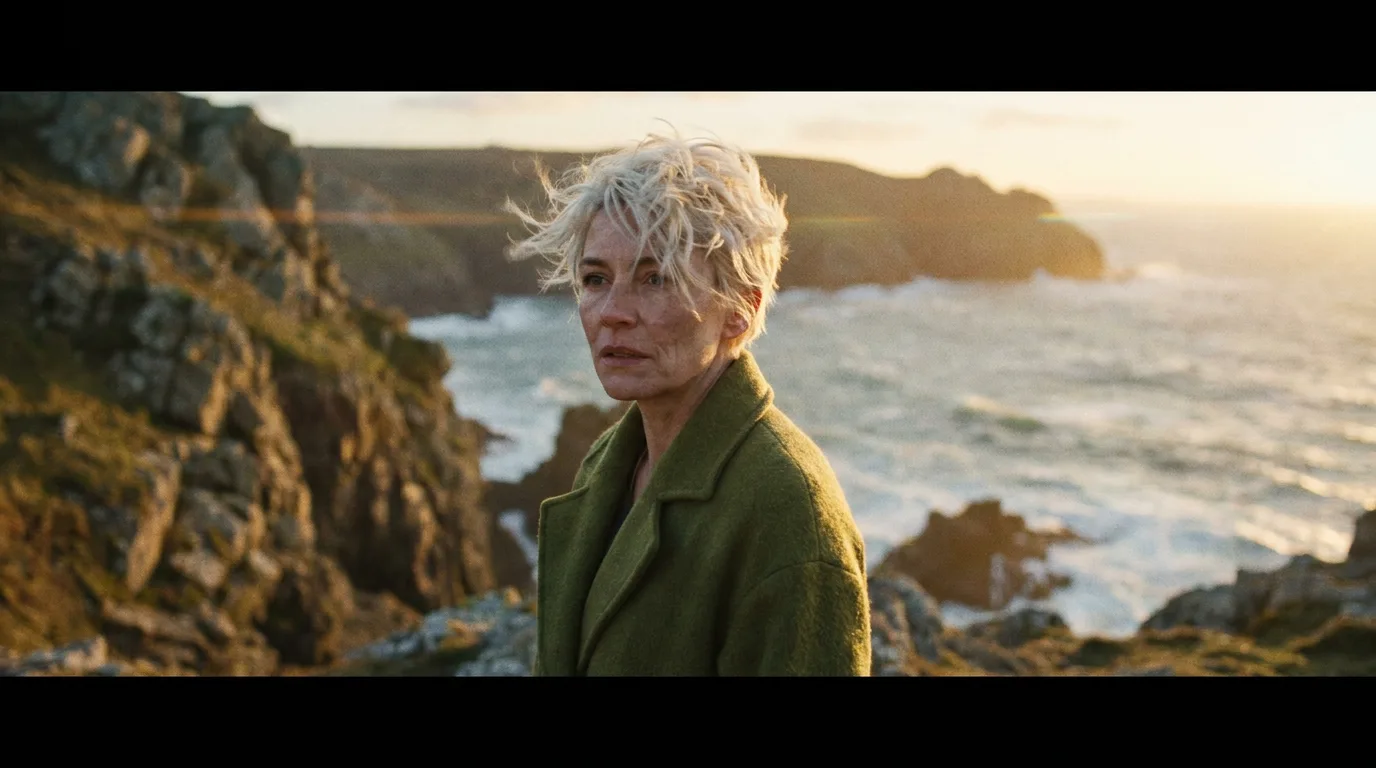
The sample above was made with Nano Banana Pro from a text prompt.
Where they run in the app
- Photoshoot and headshot tools such as AI Photoshoot, AI Headshot Generator, LinkedIn Headshot, AI Christmas Photoshoot, Photo Restorer and Pet Portraits list both models in the menu, with the original Nano Banana as the default.
- Nano Banana Pro only: AI Product Photos and Object Remover list Pro but not Nano Banana 2.
- The studio lists every image model, including both.
Settings
Both models make one image per run in 1:1, 4:3, 3:4, 16:9 or 9:16. In photoshoot tools the reference photos you upload go to the model with the tool's prompt, and a Full shoot runs every look on the model you picked; in the studio you can write your own prompt and add up to 6 images.
Tips that hold for both:
- Draft cheap, finish sharp. Find the look on the original Nano Banana, then rerun the same settings on Nano Banana 2 or Pro.
- Use more references for group shots. For a couple or a family, one clear photo per person gives the model each face at a usable size.
- Spell out text in quotes. If a sign or a label must read correctly, write the exact words in quotes. Nano Banana Pro is the stronger of the two here.
Known limits
Any failed generation is refunded automatically. Requests that the model's safety filter rejects are refunded up to a daily limit, as the content policy explains. Tools cap uploads at their own limit, so a tool that takes 4 photos still takes 4 even though these models accept 6.
Try it
Open the AI Headshot Generator, upload a selfie, pick a look and switch the model to Nano Banana Pro to compare it with the default.