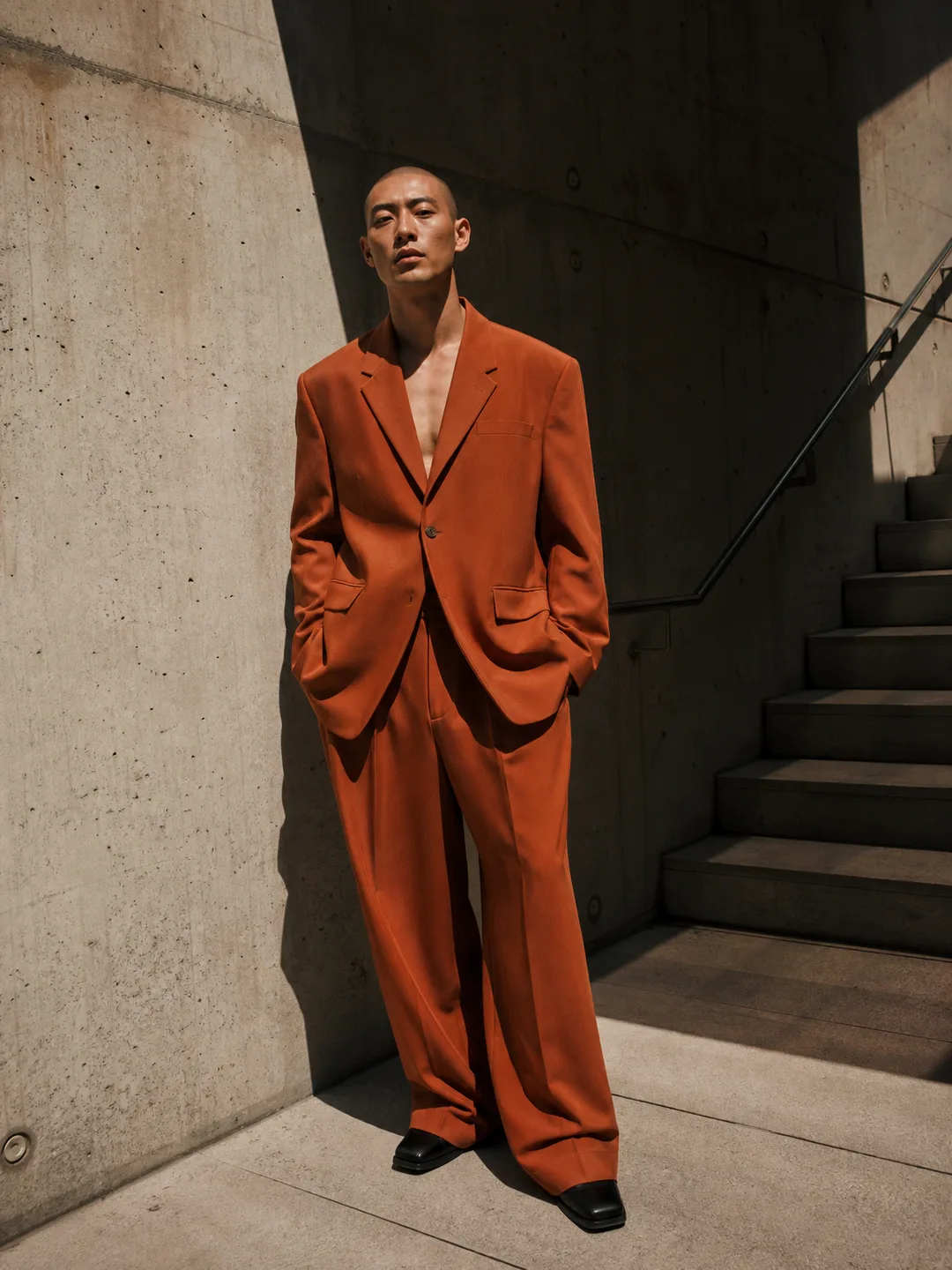
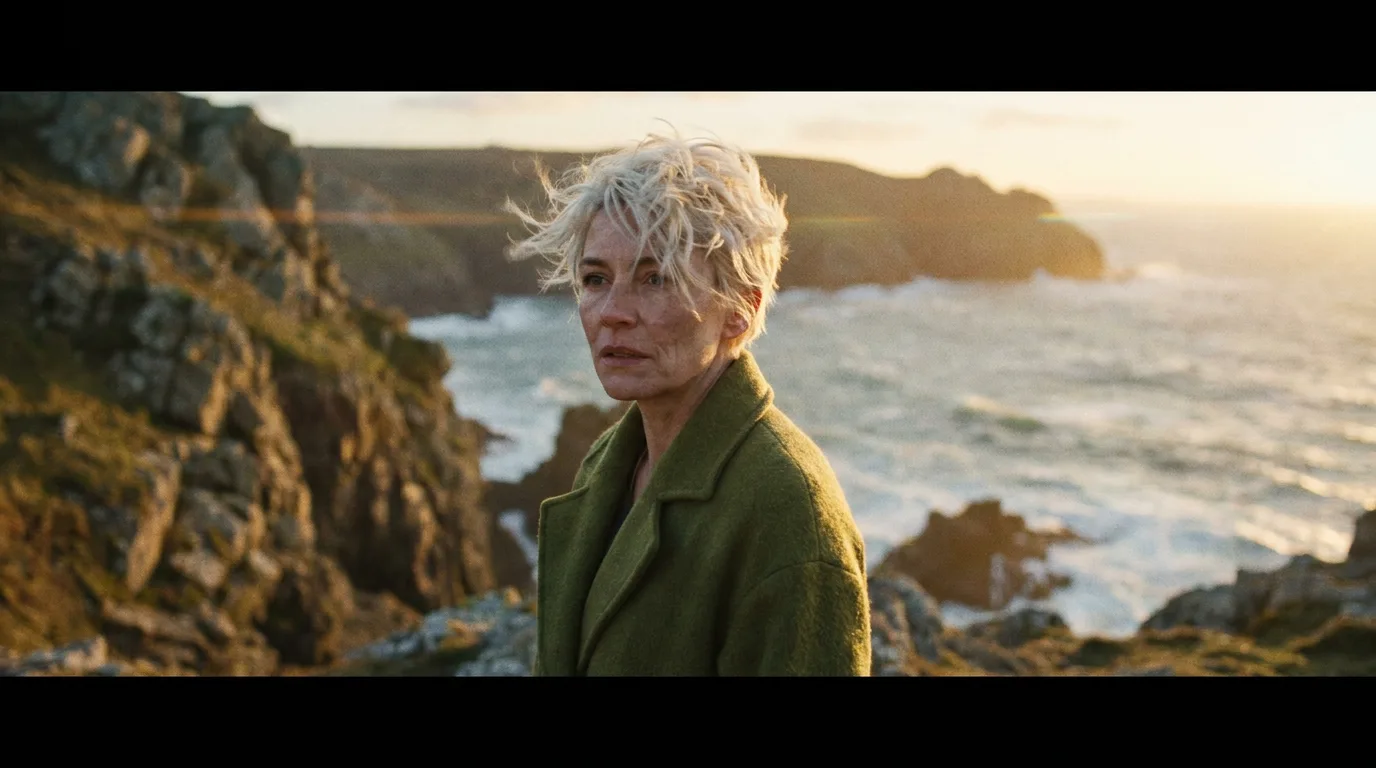
Recraft V4.1 Flash is available in Photoshoot.si. It is the fast, low-cost tier of Recraft V4.1, made for drafts and for trying many ideas before you commit to one. Like every model in the app, it runs on the same credit balance, so a draft on Flash and a photoshoot on another model come out of one pool.
What it is
Recraft V4.1 Flash is a text to image model. You write a prompt and it returns up to 4 images in 1:1, 4:3, 3:4, 16:9 or 9:16. It does not take reference images, so it cannot put you or your product into a scene.
What it is good for:
- Moodboards before a shoot. Try backdrops, color palettes and props for a look before you spend more credits on it.
- Trying many prompt ideas. Four images per run and a low per-image price make it easy to compare wordings side by side.
- Simple graphics. Flat backgrounds and patterns do not need a heavier model.
The rest of the Recraft family
Flash sits next to two other Recraft V4.1 models in the studio:
Recraft V4.1 is the design-first model for brand graphics, illustration and marketing visuals. It also accepts one reference image.
Recraft V4.1 Vector outputs real SVG, the pick for icons and anything that has to scale.
Where it runs in the app
Recraft V4.1 Flash is in the studio's Create image mode, which lists every text to image model. Photoshoot tools that start from your own photo, such as AI Photoshoot, AI Headshot Generator or AI Product Photos, do not list it, because it cannot take an upload.
A practical way to use it: draft the setting for a look on Flash, then write that setting into a photoshoot tool or the studio's Edit photo mode with your own photos.
Known limits
- Prompt only. No reference images, no photo edits, no likeness.
- Drafts first. For detailed text in an image or a final asset, rerun the prompt on a heavier model. Nano Banana Pro and GPT Image 2 are both built for clean text in images.
- Refunds. Failed generations are refunded automatically, and prompts our own check blocks never cost credits. The content policy explains what is blocked.
Try it
Once you have a setting you like, take it to the AI Photoshoot with your selfies.